Use the scene to choose a direction
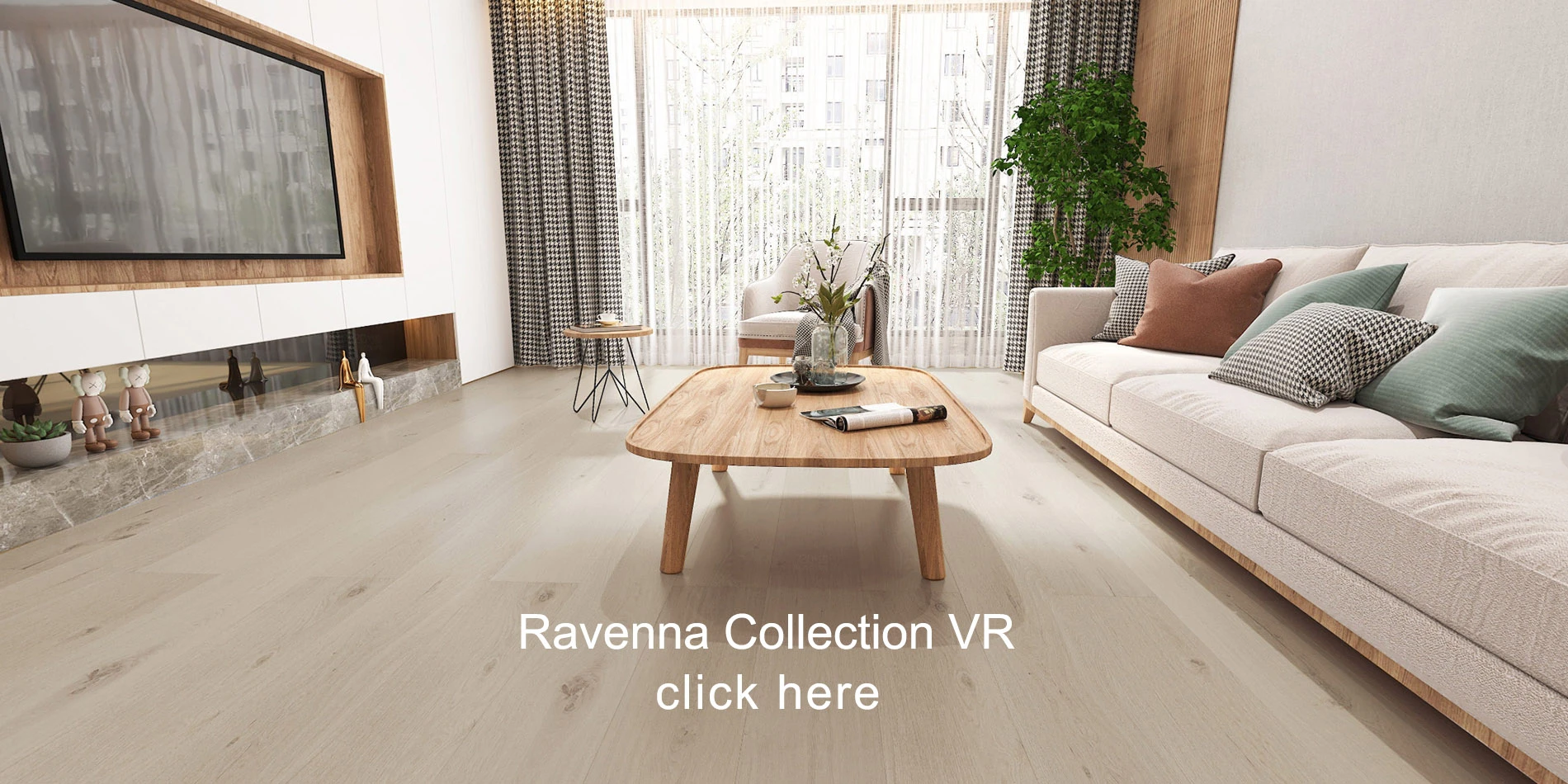
Start with what catches your eye: the overall tone, plank proportions, or how the floor works with the room’s other finishes. Compare AFD’s supplied room scenes and note the flooring family you want to explore.
The site’s Room View uses supplied AFD scenes and externally hosted 360° tours. These are inspiration settings, not a photo of your project and not a guarantee of the final result in your room.
Keep the product identity with the image
When you find an option you like in the catalog, record its collection, color or product name, and SKU. Share that information with our team. A saved room screenshot by itself may not identify the exact material or every product shown in the scene.
Ask about matching trims and transitions while reviewing the flooring. This helps you evaluate the whole material package before you settle on a direction.
Check a physical sample in the room
Ask our team which samples are available. Look at the sample beside existing finishes and in different lighting conditions. Screens, photography, and lighting can change how a color appears, so use physical samples to confirm your selection.
Review the sample together with the manufacturer’s product documents. Your installer should confirm suitability, measurements, site conditions, and the material allowance for the planned layout.
Turn the shortlist into an inquiry
Send the product names, approximate area, project location, and desired timing. If you are still deciding, tell our team what you liked about each option. You can start with the Room View inquiry link or the product page’s sample inquiry.
A product inquiry begins the conversation. Availability, material quantities, and the final order details still need confirmation.
Sources & product references
Use current documents for the exact product. Confirm availability, project suitability, and quantities before ordering.
AFD RoomviewNWFA technical and jobsite resources